Where Lighting Friction Appears
Lighting problems rarely feel dramatic, but they accumulate throughout the day.
Common desk lighting friction points include:
Glare reflecting off a monitor
Uneven lighting across a keyboard or notebook
Lamps occupying usable desk space
Shadows created by the monitor itself
These issues are subtle. They do not stop work entirely. They simply make the environment feel slightly wrong.
When lighting aligns with the layout of the desk, those small irritations disappear.
The Case for a Traditional Desk Lamp
Desk lamps remain useful because they are flexible.
They can illuminate:
notebooks
physical documents
craft work
reading areas
A movable arm allows the beam to shift as the task changes. For environments where paper is still the primary surface, this flexibility is valuable.
But the same flexibility can create inconsistency. Lamps require repositioning. Their base consumes desk space. Their angle often interacts with the monitor in unpredictable ways.
The lamp is adaptable, but not always stable.
Why Monitor Light Bars Work Differently
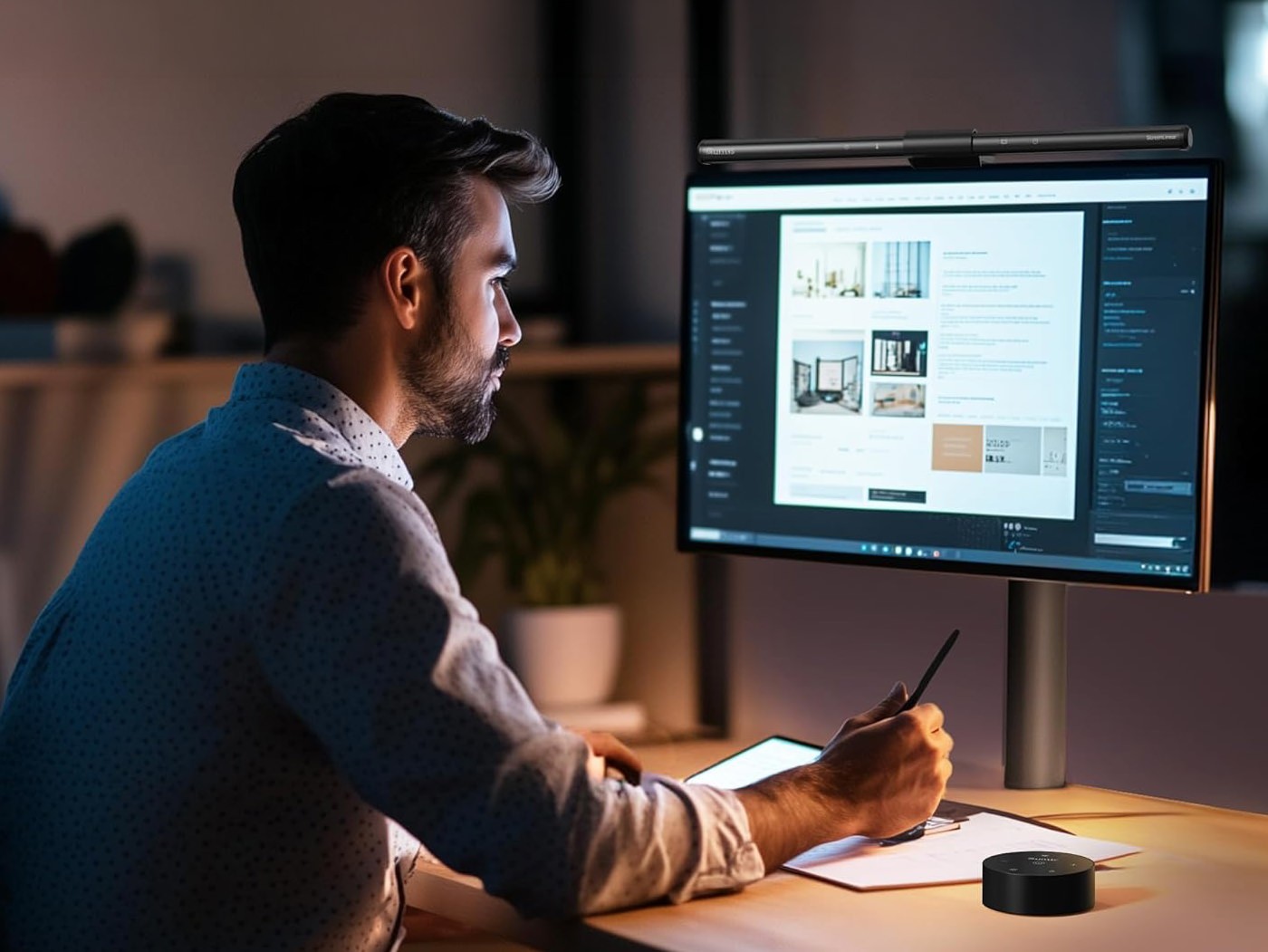
A monitor light bar solves the placement problem directly. Instead of sitting on the desk, the light mounts on top of the monitor and projects downward across the work surface.
This position produces three useful effects:
The desk surface receives even illumination
The screen remains free from glare
Desk space remains uncluttered
The light bar effectively becomes part of the monitor itself. Once installed, it rarely requires adjustment.
This stability is what removes friction.
Work
Monitor Light Bar
Mounted directly on the monitor, a light bar illuminates the desk without reflecting light back onto the screen. It reduces glare while freeing desk space normally occupied by a lamp.
Utility
Clamp-On Power Strip
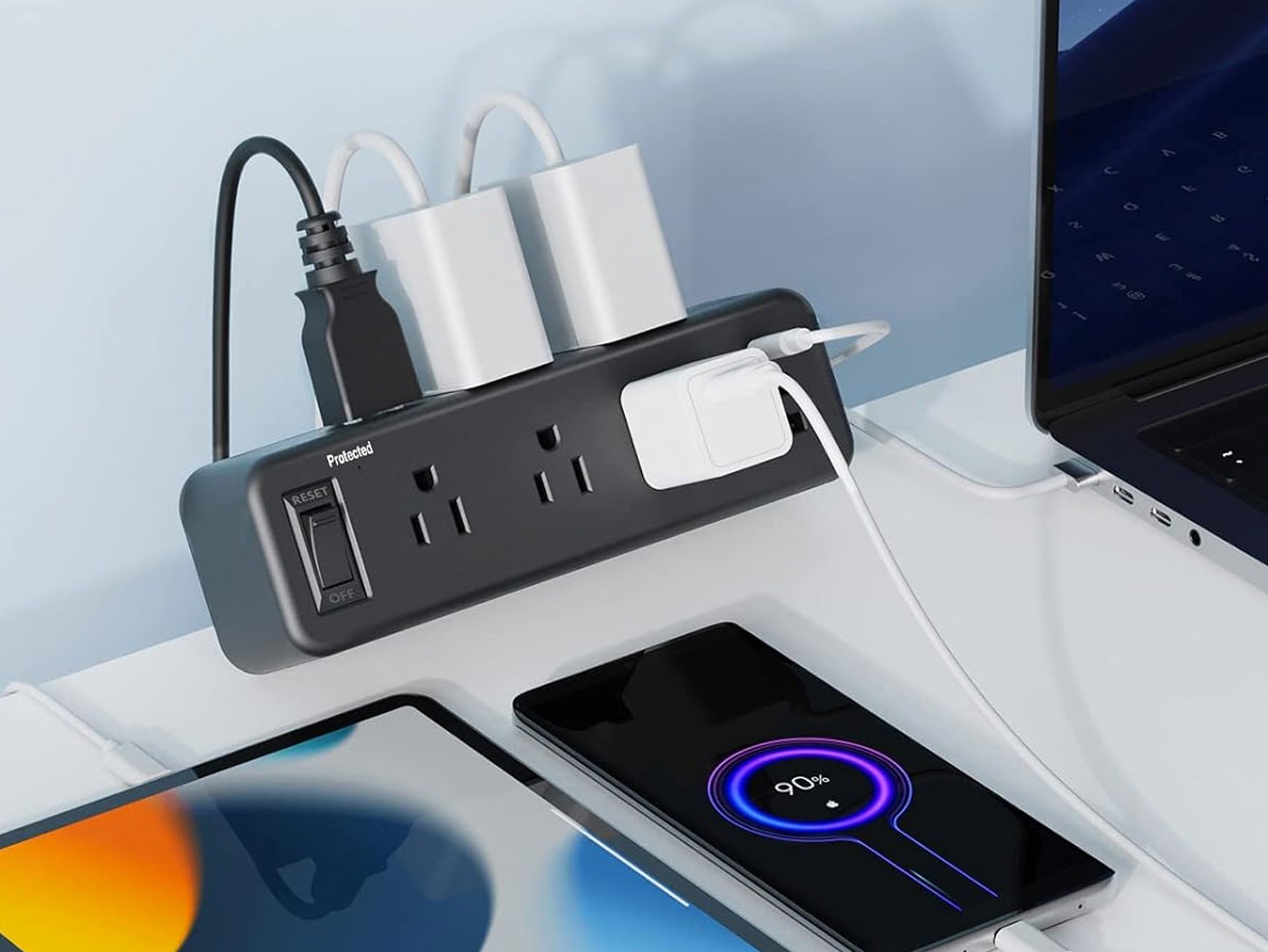
Lighting setups often introduce extra cables and adapters. A clamp-mounted power strip keeps outlets accessible without forcing cords to sprawl across the desk.
Daily
Magnetic Cable Clips
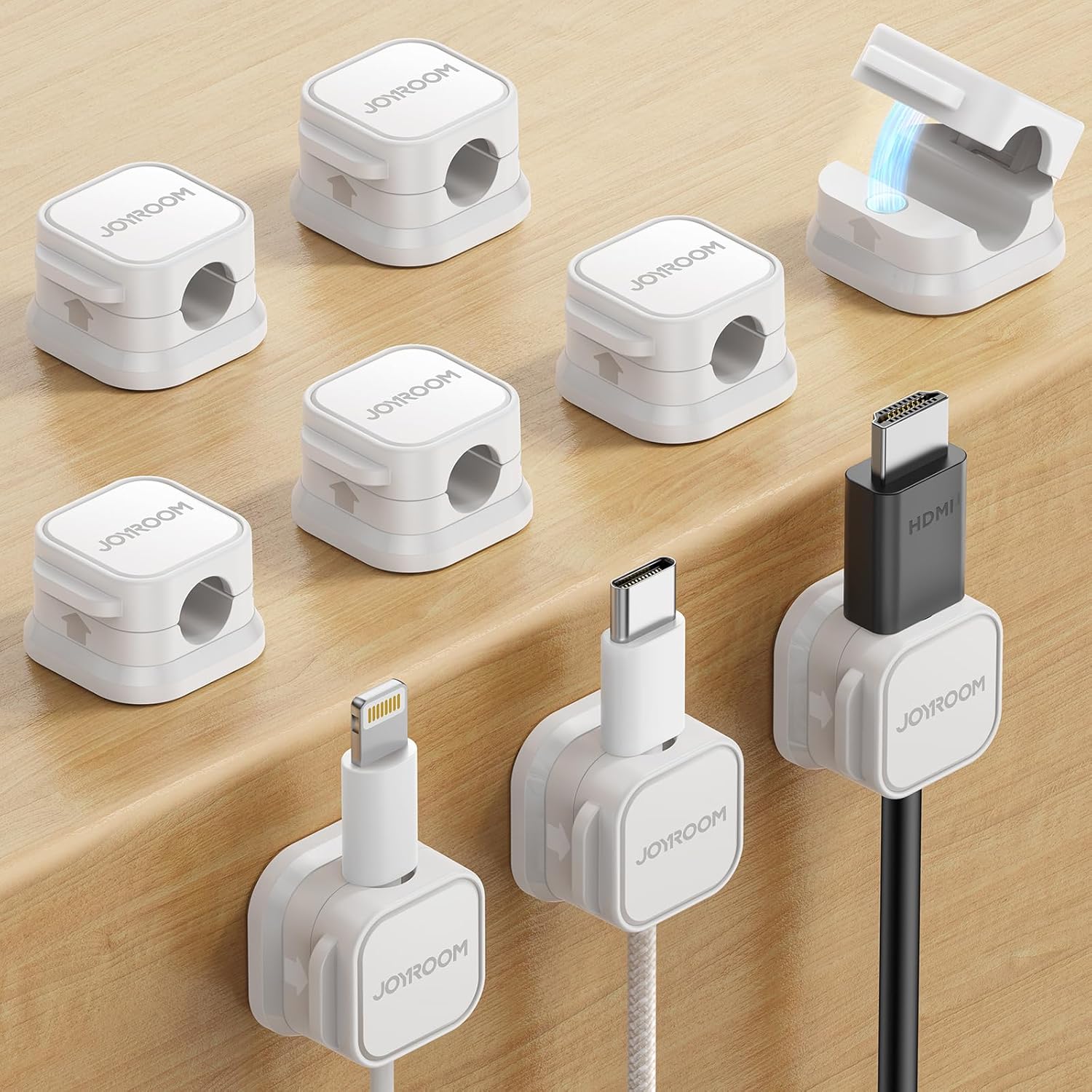
Desk lighting frequently adds one more cable to manage. Magnetic cable clips keep power cables routed neatly and prevent them from slipping behind the desk.
Work
Leather Desk Mat
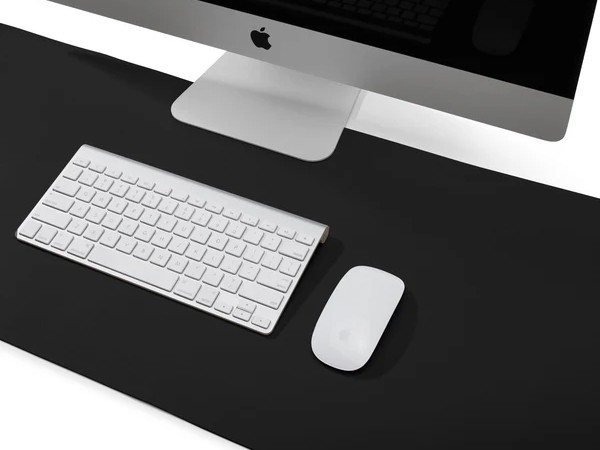
Lighting improvements reveal surface clutter quickly. A desk mat creates a stable visual surface and defines a clear working area under the light.
Lighting as Part of Desk Infrastructure
Good desk environments feel calm because tools remain stable.
Lighting that moves frequently requires adjustment. Lighting that stays fixed becomes invisible. Once a monitor light bar is positioned correctly, it rarely needs attention again.
This mirrors a larger Useful Goods principle explored in The Environment Should Hold the Default. When the environment carries the correct configuration, fewer decisions are required during work.
Lighting should behave the same way.
Practical Questions
Is a monitor light bar always better than a desk lamp?
Not always. If most desk work involves reading paper or drawing, the adjustability of a traditional lamp can be useful. Light bars excel when the monitor is the central object on the desk.
Do monitor light bars eliminate glare completely?
They greatly reduce it by directing light downward instead of toward the screen. However, overall room lighting still affects how reflections behave.
Can both lights exist in the same workspace?
Yes. Some setups use a monitor light bar for daily computer work and a secondary lamp for occasional tasks that require flexible positioning.
Closing Insight
Lighting problems often appear technical, but they are usually spatial. When light aligns with the structure of the desk, the environment becomes quieter and easier to work in.
Useful tools rarely demand attention. They simply remove small sources of friction and allow the work itself to remain the focus.